> For the complete documentation index, see [llms.txt](https://design-packs.gitbook.io/docs/llms.txt). Markdown versions of documentation pages are available by appending `.md` to page URLs; this page is available as [Markdown](https://design-packs.gitbook.io/docs/fundamentals/section-tutorials/faq-sections-how-to-connect-with-knowledge-base-faq-metafields.md).
# FAQ sections: How to connect with Knowledge Base FAQ metafields
Metaobjects make FAQs reusable and centrally managed, so the same questions can be referenced across multiple pages without duplication. When an FAQ is updated in one place, the change automatically appears everywhere it is used, ensuring consistency and reducing content maintenance. This approach keeps information accurate, scalable, and easier to manage as a store grows.
**Step 1: Install the Knowledge Base app**
Install the free [**Knowledge Base**](https://apps.shopify.com/shopify-knowledge-base) app from Shopify so you can create FAQs that can also be submitted to large AI models.
**Step 3: Review existing FAQs (Shopify-created and custom)**
In the Knowledge Base app, note that some FAQs may already exist (created by Shopify), and you can also add your own custom FAQs.
**Step 4: Add a new FAQ**
Click **Add FAQ**, then enter a question (example shown in the video: “How often should I wash this product?”). Save/create the FAQ.
**Step 5: Open the Shopify theme editor**
Go to **Online Store** and click **Edit theme**.
**Step 6: Find your FAQ section in the template**
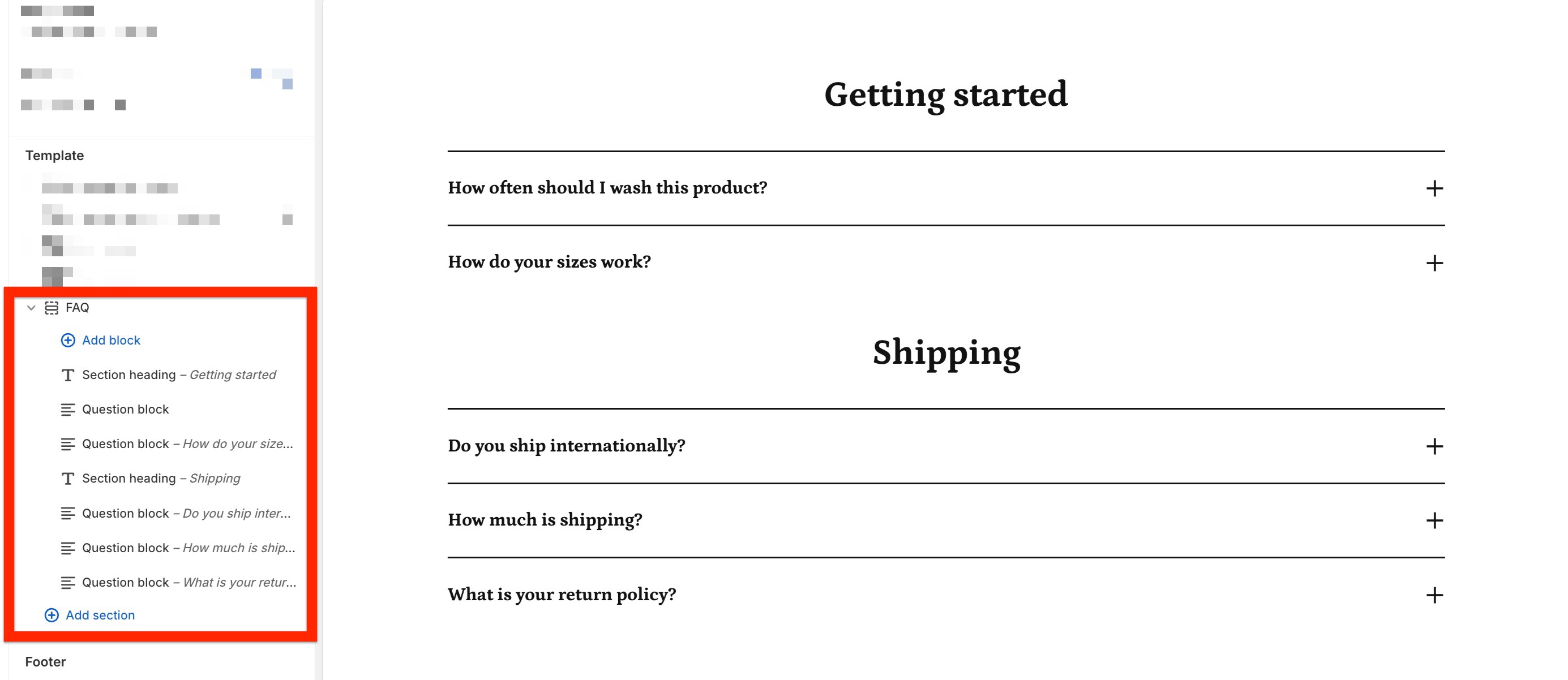
In the template/section list, search for or locate the **FAQ** section.
**Step 7: Populate the metafields into the question fields**
Click **Connect dynamic metafield**, then find the Metaobject called "Question and Answer Pairs" and select either the question or answer for the field you are editing.
{% embed url="" %}
**Step 8: Change content as needed in Knowledge Base app**
When you update the FAQ from the app, it will update the content everywhere you have connected to the metaobject.
{% embed url="" %}